Building skin3d: getting Minecraft skins to render anywhere
Published on February 10, 2026
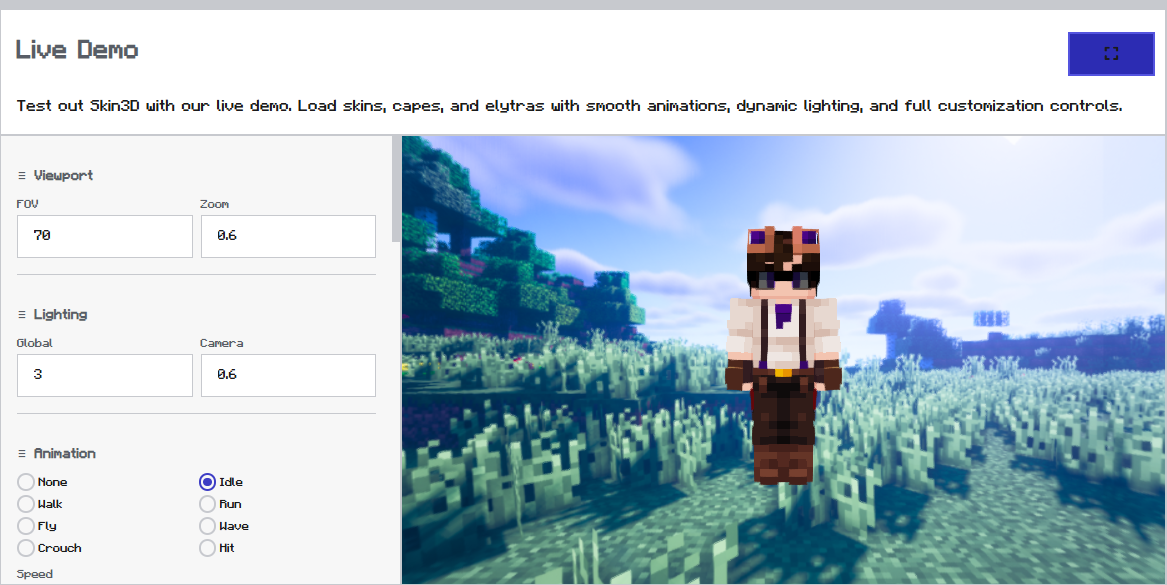
Every time I needed to show off a player's skin in a project, I ended up either duct-taping some old three.js snippet together or pulling in a library that only worked in the browser and broke the second I tried it in Electron. So I built skin3d instead — one library, three environments, no rewrites.
The UV mapping problem
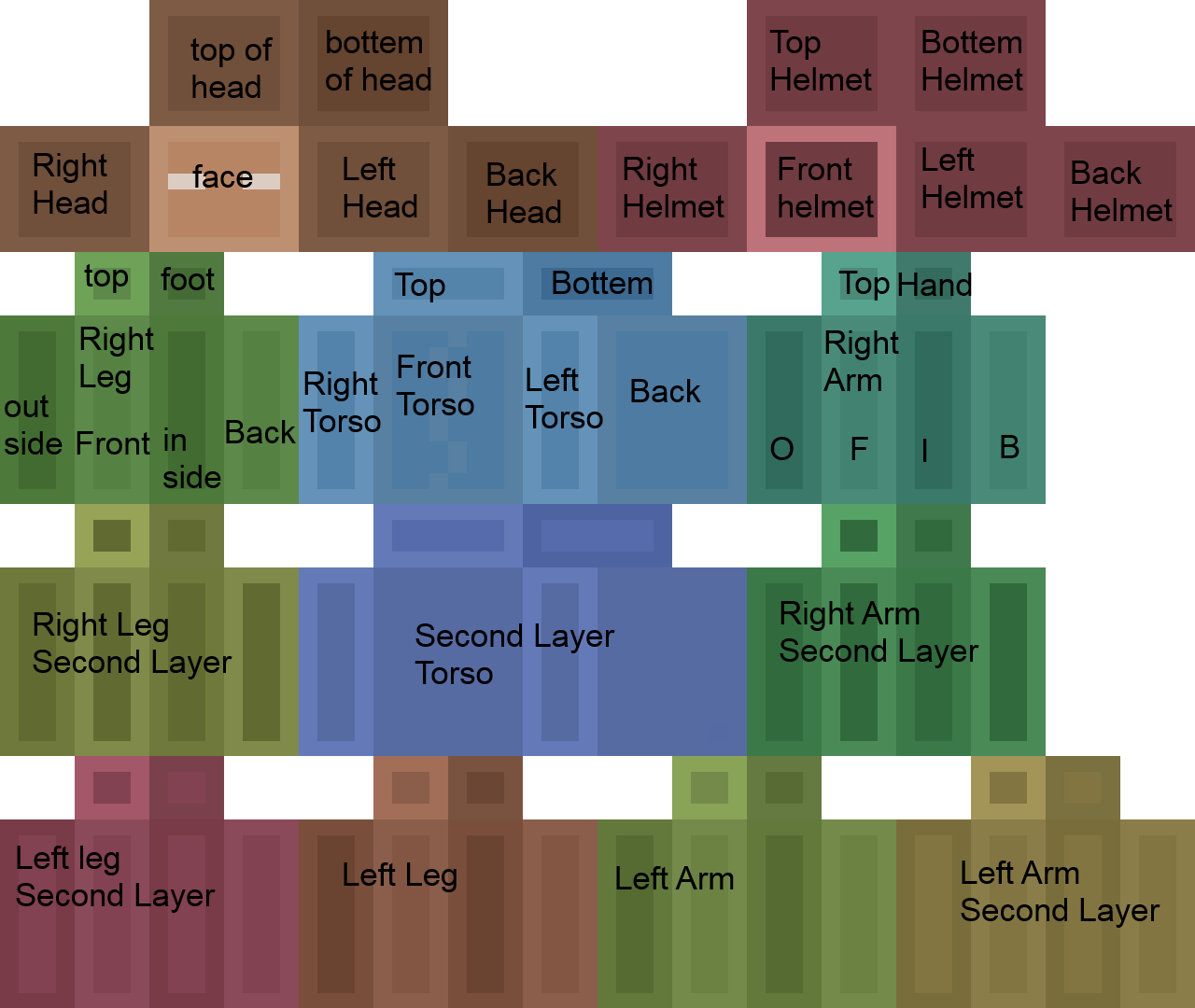
The annoying part isn't the rendering, it's the skin format itself. Minecraft skins pack a humanoid model onto a flat 64x64 (or legacy 64x32) texture, and the UV mapping for the second layer — the overlay, hat, sleeves, all that — is genuinely fiddly to get right without stretching or bleeding pixels from the wrong region. Get one offset wrong and suddenly someone's hair texture is smeared across their arm.
One API, three environments
Under the hood it's three.js doing the heavy lifting, but the API surface is intentionally boring: give it a skin URL or buffer, get back a renderable model, works the same whether you're in a browser tab, a headless Node script generating thumbnails, or an Electron launcher.
- Browser — drop it into any canvas
- Node — generate skin previews server-side
- Electron — same code, no adapter layer
That consistency was the whole point — I didn't want to think about the environment, just the skin.